

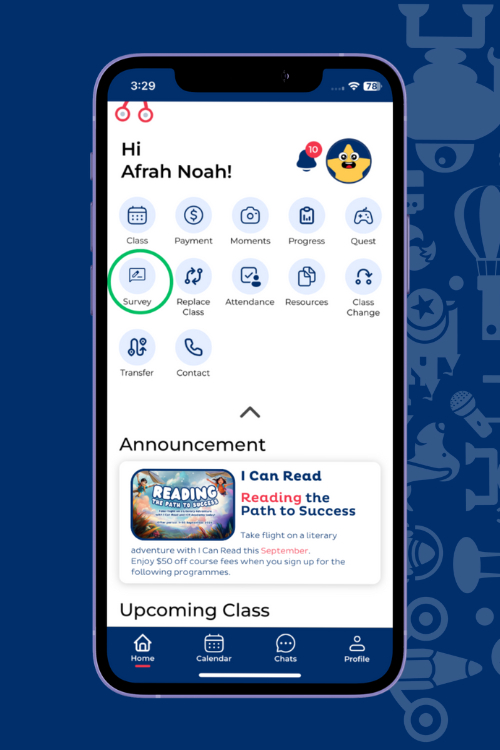
Introducing ICR Connect
One App for Your Child’s Whole Learning Journey
Manage your child’s learning journey with ease using ICR Connect, the official I Can Read Student App.
Oodles Math is part of the I Can Read Group, whether your child is with us for math or with I Can Read for literacy, ICR Connect keeps progress, payments and schedules all in one place.
Key Features
Essential tools for managing your child’s learning experience with ease.
Progress Report
Keep track of your child’s learning journey with easy-to-read term progress updates.
Visualise their progress through clear graphs and detailed reports, all accessible at your convenience.
Billing
Effortlessly manage and pay outstanding bills directly through the app with digital invoices saved straight on your device.
Enjoy secure, hassle-free payments with just a few taps.
More Functionalities
Additional features designed to enhance convenience and communication.

Surveys
Participate in Parents' Surveys.
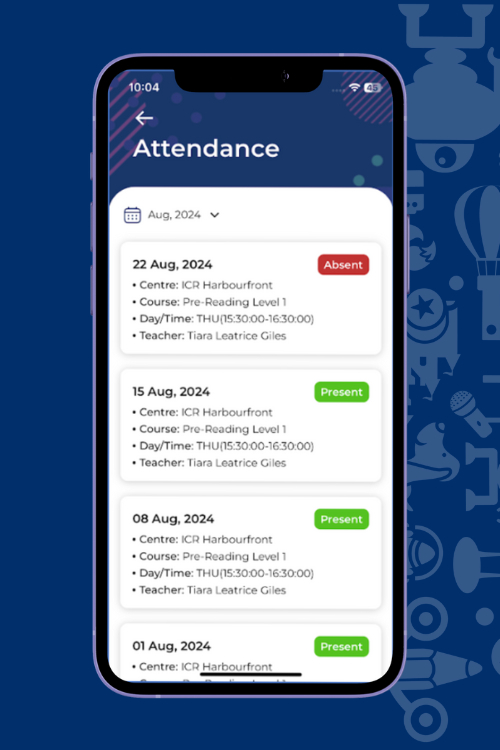
Attendance
Check your child’s attendance.
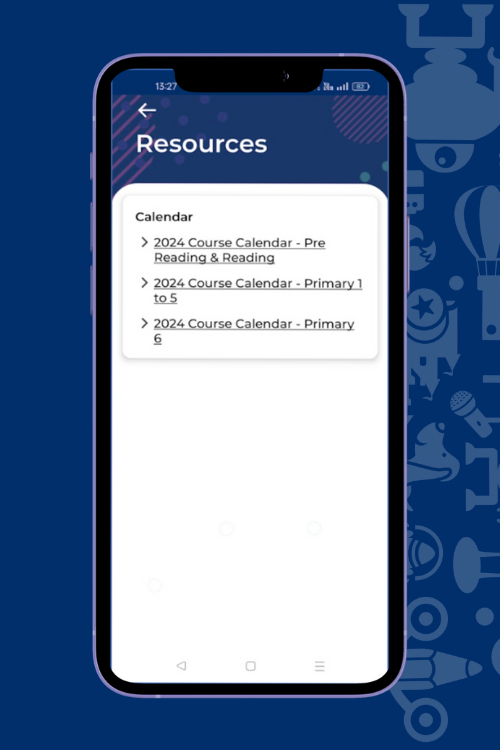
Resources
Access information such as course calendars, & our centres' terms and conditions.
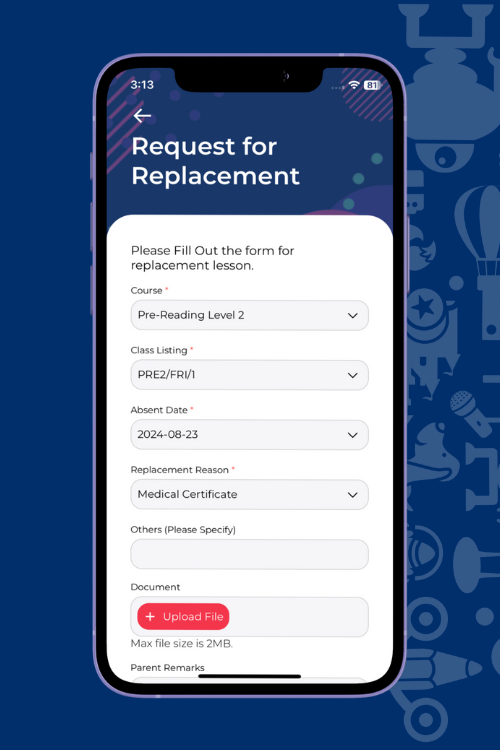
Replacement
Request lesson replacement with a few taps.
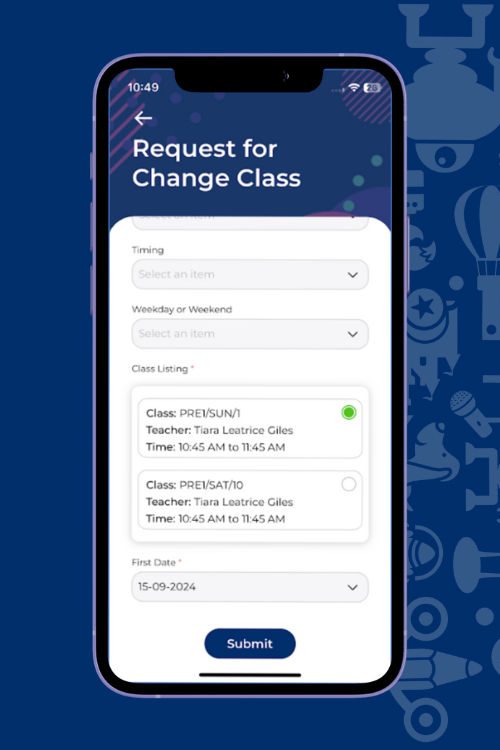
Class Change
Submit requests to change classes.
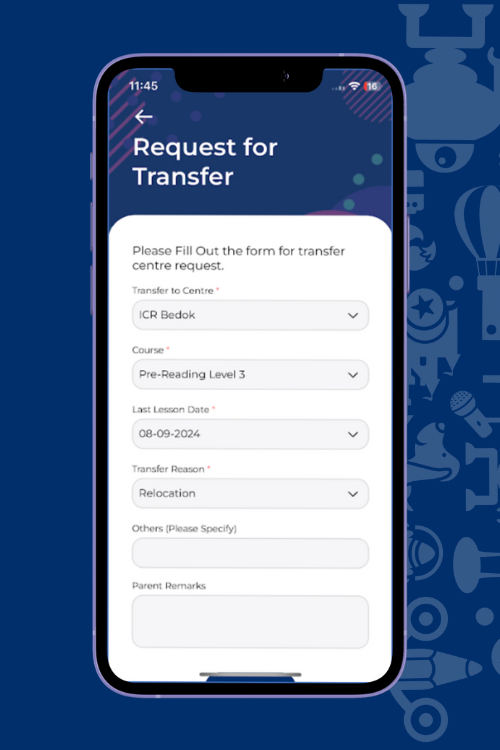
Transfer Requests
Seamlessly submit transfer requests.
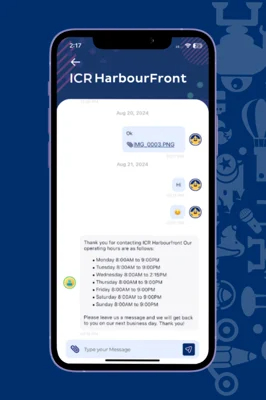
Submit feedback, track attendance, access resources and request class changes or transfers seamlessly.
Key Features
Frequently Asked Questions
Why does Oodles Math use an app called "I Can Read Connect"?
Oodles Math and I Can Read are sister brands under the same group. ICR Connect is our shared platform, built so parents with children across both brands can manage everything — schedules, payments, progress — from a single account.
What is the ICR Connect app and how does it benefit me?
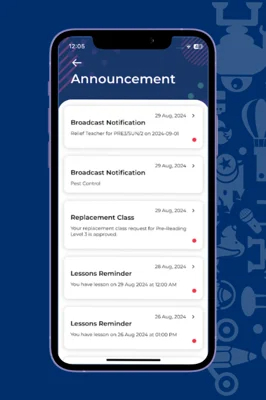
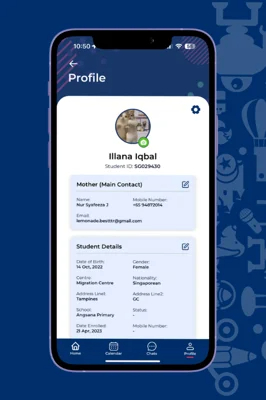
With it, you can track progress, make payments, view class schedules, and receive important updates—all from one platform.
Oodles Math and I Can Read are sister brands under the same group in Singapore. Many of our families are with us for both — math enrichment and English literacy — so instead of juggling two separate logins, ICR Connect brings it all together in one place.
How do I download the ICR Connect app?
The App is available for download on Google Play Store and Apple App Store.
Simply search for “ICR Connect” in your app store, or click the download buttons provided on this page.
Can I use social media accounts to log in?
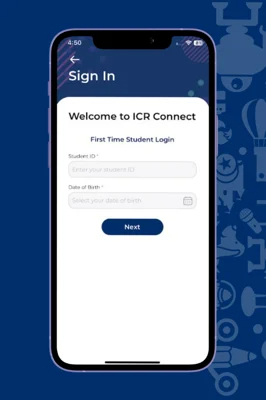
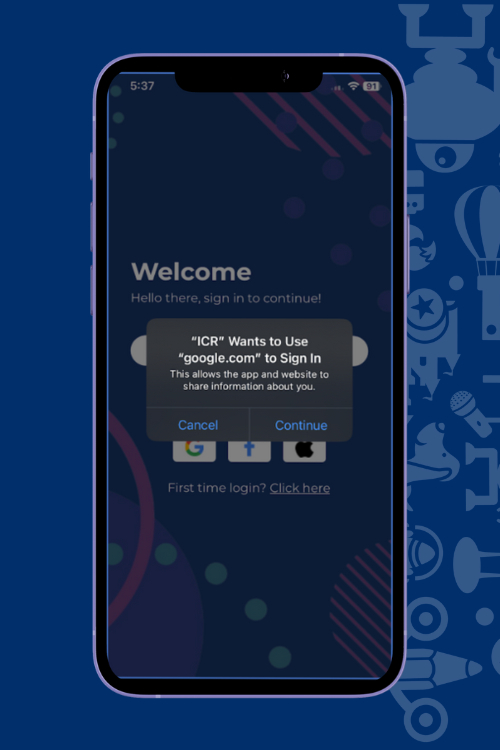
Yes! You can easily log in using your Facebook, Google, or Apple ID for quick access to the app.
How can I manage class schedules and requests through the app?
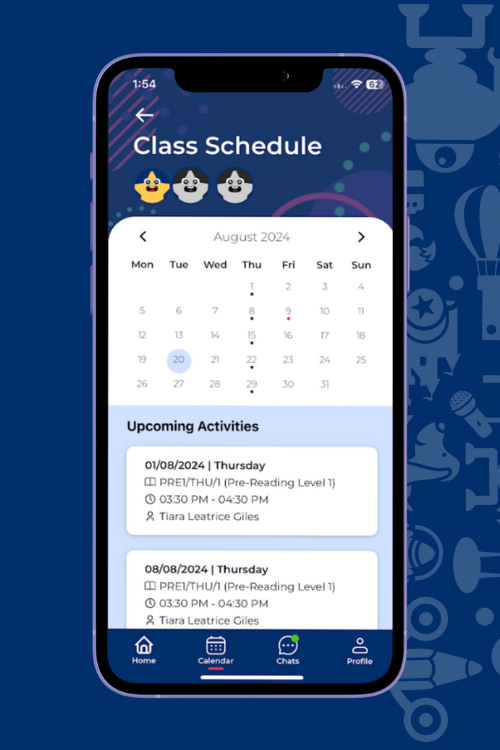
ICR Connect allows you to view upcoming class schedules, request class replacements, and even submit transfer or class change requests—all within a few taps.
How do I contact centre staff if I have questions?
You can communicate directly with centre staff through the chat feature in the app during working hours, making it easy to get answers to any queries.